Projects

May 2026

100 Tiny Users

Fake users that break your product before real ones do. They click through your app in the browser, record where they get stuck, and hand coding agents a fix-ready prompt.

Visit source
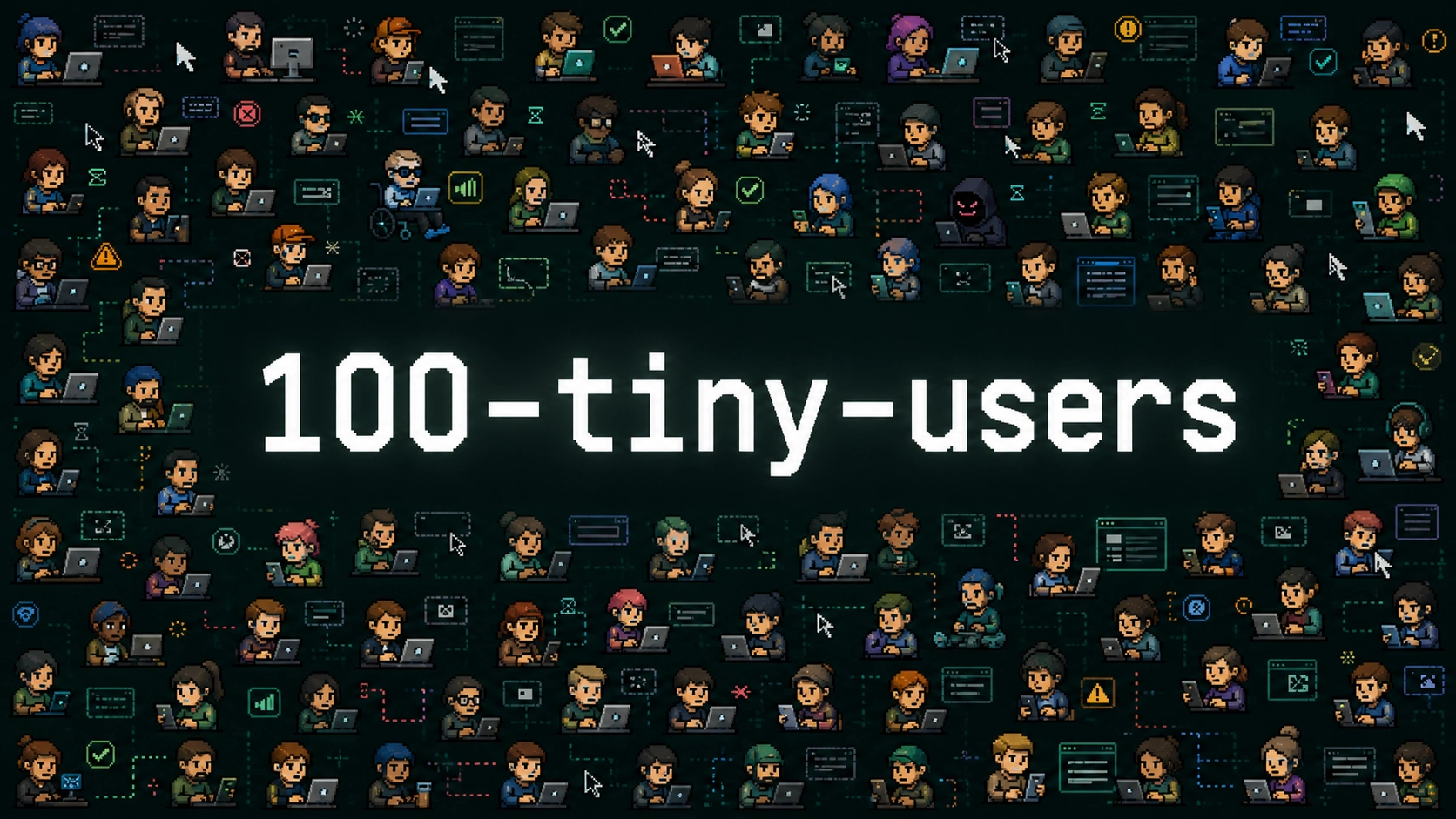
100-tiny-users cover image

This project came from one specific irritation.

I hate writing tests.

I don't think testing is useless. I hate the gap between the confidence tests give you and the confidence your users deserve.

LLMs and agents don't close that gap. They write tests that pass and look respectable in a repo, but a lot of those tests check implementation details. Very few check the one thing that matters, which is whether the product survives a real person touching it.

People vibe code projects all the time now. They ship with tests and feel safe. Then users show up, do normal human things, and the product falls apart.

So I built 100 Tiny Users around one idea: create fake users and make them suffer, so real users don't have to.

How it works

100 Tiny Users tests your product through the browser UI, the way a person would use it.

Agents have gotten very good at browser use, so I stopped asking them for another brittle unit test and pointed that skill at the product itself. Every tiny user has its own personality, intent, patience level, device, accessibility needs and risk profile. Some are normal. Some are impatient. Some use screen readers. Some paste way too much text. Some are malicious, because the internet is what it is.

When something breaks, the run records screenshots, traces, console logs, network logs, DOM snapshots, accessibility snapshots and a replay command. It then groups the failures into findings a human or a coding agent can act on.

At the end of a run you get:

  • which kind of user got hurt
  • what they were trying to do
  • what the product promised
  • what happened instead
  • the evidence
  • a repair-ready prompt for Codex or Cursor

Then you rerun the same users after the fix and check whether their experience improved. That loop is the part I care about most.

What it runs today

The prototype is a local Next.js eval lab. It comes with two demo products for the tiny users to test:

  • Portal, a public hackathon submission flow
  • Workbench, an internal customer-operations queue

Portal was the first demo because it's easy to explain. Submit a project, reject duplicate teams, stay accessible, survive long pasted text, and don't execute malicious input.

Workbench is harder. It simulates an internal ops tool with queue search, ownership changes, admin identity confirmation, billing credits and follow-up state. Those boring workflow details show whether a test harness is useful or just performative slop.

A harness is the code that drives a tiny user through a workflow. The repo has three:

  • a deterministic Playwright harness, which clicks through the UI with stable selectors
  • a semantic mini-user harness, a less rigid browser user that still has to finish the workflow through the UI
  • an external webhook harness, where an outside executor does the work and posts its results back through a webhook

Around those, the repo has:

  • config files that define targets and workflows
  • replay of the same run across different personas
  • artifact capture for screenshots, traces, console logs, network logs, DOM and accessibility state
  • run metadata in SQLite
  • a dashboard for the latest run
  • repair packets for Codex and Cursor

Demo day

I built the first prototype at the Codex Emergency Hackathon, part of the AI Engineer Conference Singapore. That version targeted a fake hackathon submission portal and proved the before-and-after loop.

Then I got to show it at OpenAI's GPT 5.5 Demo Day, alongside a couple of other things I'd built (yes, deptrace and friday-for-codex).
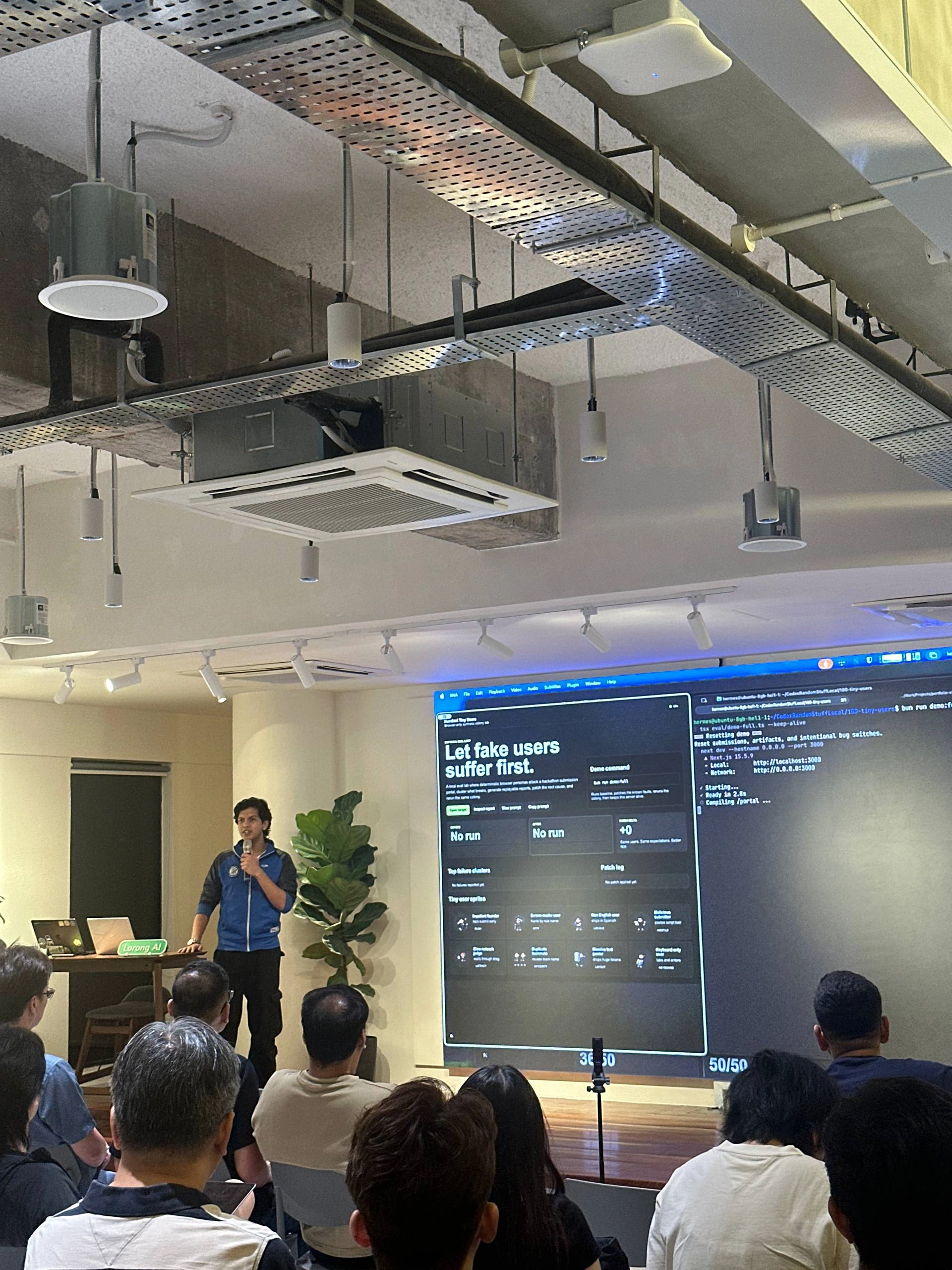
Demo Day Picture

That's when it stopped feeling like a tool I'd built for myself. After my presentation, people came up to talk about it, and someone reached out on LinkedIn the next day to say how useful the idea was. These weren't polite demo-day chats either. We talked about agent limitations, sandboxing, access boundaries, and where this kind of testing could fit in their own teams.

I'd built it purely for myself, and suddenly other people were going "wait, I need this too."

The fuller prototype came together at the AI Engineer Hackathon the following week, where I moved from the fake submission portal to Workbench. I missed the demo upload deadline by a couple of minutes, which is annoying and very much on me lol.

Where it's going

100 Tiny Users treats tests as evidence from users instead of proof of code coverage. A passing test suite can still leave you with a broken product. A browser user getting stuck is much harder to dismiss when the trace, the screenshot and the replay command are right there.

It's also the kind of thing I love building. It exists because I felt the pain of not having it, and I could see other builders feeling it too. I'm a developer, so I know which parts of the workflow feel fake, which are annoying, and which automation removes pain instead of giving you one more thing to babysit. That's why I'm good at building tools for developers.

Still to add are real target onboarding, stronger sandboxing, richer agentic users, better root-cause clustering, hosted runs and cleaner repair orchestration.

Build the product. Send in the tiny users. Watch where they suffer. Fix the thing. Send them in again.

That should give you confidence. A "67 tests passed in 23.4s" from some random agent you sent off into your codebase shouldn't.

Projects

May 2026

100 Tiny Users

Fake users that break your product before real ones do. They click through your app in the browser, record where they get stuck, and hand coding agents a fix-ready prompt.

Visit source
100-tiny-users cover image

This project came from one specific irritation.

I hate writing tests.

I don't think testing is useless. I hate the gap between the confidence tests give you and the confidence your users deserve.

LLMs and agents don't close that gap. They write tests that pass and look respectable in a repo, but a lot of those tests check implementation details. Very few check the one thing that matters, which is whether the product survives a real person touching it.

People vibe code projects all the time now. They ship with tests and feel safe. Then users show up, do normal human things, and the product falls apart.

So I built 100 Tiny Users around one idea: create fake users and make them suffer, so real users don't have to.

How it works

100 Tiny Users tests your product through the browser UI, the way a person would use it.

Agents have gotten very good at browser use, so I stopped asking them for another brittle unit test and pointed that skill at the product itself. Every tiny user has its own personality, intent, patience level, device, accessibility needs and risk profile. Some are normal. Some are impatient. Some use screen readers. Some paste way too much text. Some are malicious, because the internet is what it is.

When something breaks, the run records screenshots, traces, console logs, network logs, DOM snapshots, accessibility snapshots and a replay command. It then groups the failures into findings a human or a coding agent can act on.

At the end of a run you get:

  • which kind of user got hurt
  • what they were trying to do
  • what the product promised
  • what happened instead
  • the evidence
  • a repair-ready prompt for Codex or Cursor

Then you rerun the same users after the fix and check whether their experience improved. That loop is the part I care about most.

What it runs today

The prototype is a local Next.js eval lab. It comes with two demo products for the tiny users to test:

  • Portal, a public hackathon submission flow
  • Workbench, an internal customer-operations queue

Portal was the first demo because it's easy to explain. Submit a project, reject duplicate teams, stay accessible, survive long pasted text, and don't execute malicious input.

Workbench is harder. It simulates an internal ops tool with queue search, ownership changes, admin identity confirmation, billing credits and follow-up state. Those boring workflow details show whether a test harness is useful or just performative slop.

A harness is the code that drives a tiny user through a workflow. The repo has three:

  • a deterministic Playwright harness, which clicks through the UI with stable selectors
  • a semantic mini-user harness, a less rigid browser user that still has to finish the workflow through the UI
  • an external webhook harness, where an outside executor does the work and posts its results back through a webhook

Around those, the repo has:

  • config files that define targets and workflows
  • replay of the same run across different personas
  • artifact capture for screenshots, traces, console logs, network logs, DOM and accessibility state
  • run metadata in SQLite
  • a dashboard for the latest run
  • repair packets for Codex and Cursor

Demo day

I built the first prototype at the Codex Emergency Hackathon, part of the AI Engineer Conference Singapore. That version targeted a fake hackathon submission portal and proved the before-and-after loop.

Then I got to show it at OpenAI's GPT 5.5 Demo Day, alongside a couple of other things I'd built (yes, deptrace and friday-for-codex).

Demo Day Picture

That's when it stopped feeling like a tool I'd built for myself. After my presentation, people came up to talk about it, and someone reached out on LinkedIn the next day to say how useful the idea was. These weren't polite demo-day chats either. We talked about agent limitations, sandboxing, access boundaries, and where this kind of testing could fit in their own teams.

I'd built it purely for myself, and suddenly other people were going "wait, I need this too."

The fuller prototype came together at the AI Engineer Hackathon the following week, where I moved from the fake submission portal to Workbench. I missed the demo upload deadline by a couple of minutes, which is annoying and very much on me lol.

Where it's going

100 Tiny Users treats tests as evidence from users instead of proof of code coverage. A passing test suite can still leave you with a broken product. A browser user getting stuck is much harder to dismiss when the trace, the screenshot and the replay command are right there.

It's also the kind of thing I love building. It exists because I felt the pain of not having it, and I could see other builders feeling it too. I'm a developer, so I know which parts of the workflow feel fake, which are annoying, and which automation removes pain instead of giving you one more thing to babysit. That's why I'm good at building tools for developers.

Still to add are real target onboarding, stronger sandboxing, richer agentic users, better root-cause clustering, hosted runs and cleaner repair orchestration.

Build the product. Send in the tiny users. Watch where they suffer. Fix the thing. Send them in again.

That should give you confidence. A "67 tests passed in 23.4s" from some random agent you sent off into your codebase shouldn't.